Dockerize Travel-Website !
G
I am a DevOps Learner . Delivering continuous learnings through blogs . You have any doubts you can contact me directly don't hesitate . We all have a start and initial days of learning !!
Steps included:
1 Make a folder
2 Clone the repo
3 Make dockerfile
4 Build the image
5 Run
6 Test the project
Step-1
In this step, we will first make a separate folder/directory
 mkdir  project02
 cd  project02

Step-2
In this step, we will clone the git repo in our local
***ps: don't forget to go inside the cloned repo ****
 git clone  https://github.com/frontendzone/travel-website.git
  cd travel-website

Step-3
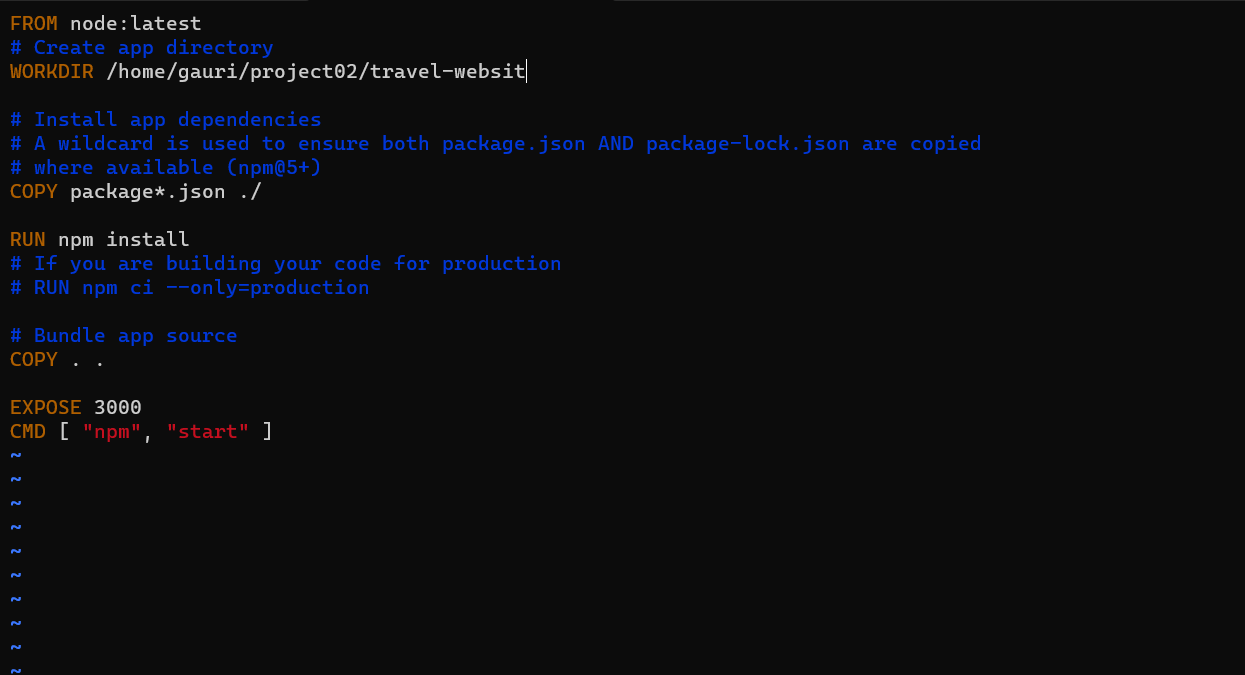
In this we will try to make a docker file
vim Dockerfile
FROM node:latest
# Create app directory
WORKDIR /home/gauri/project02/travel-website

# Install app dependencies
# A wildcard is used to ensure both package.json AND package-lock.json are copied
# where available (npm@5+)
COPY package*.json ./

RUN npm install
# If you are building your code for production
# RUN npm ci --only=production

# Bundle app source
COPY . .

EXPOSE 3000
CMD [ "npm", "start" ]
Step-4
In this step, we will make an image
docker build -t gauriyadav1504/pro02 .

Step-5
in this we will run the image
docker run -p 3000:3000 -d gauriyadav1504/pro02

Step-6
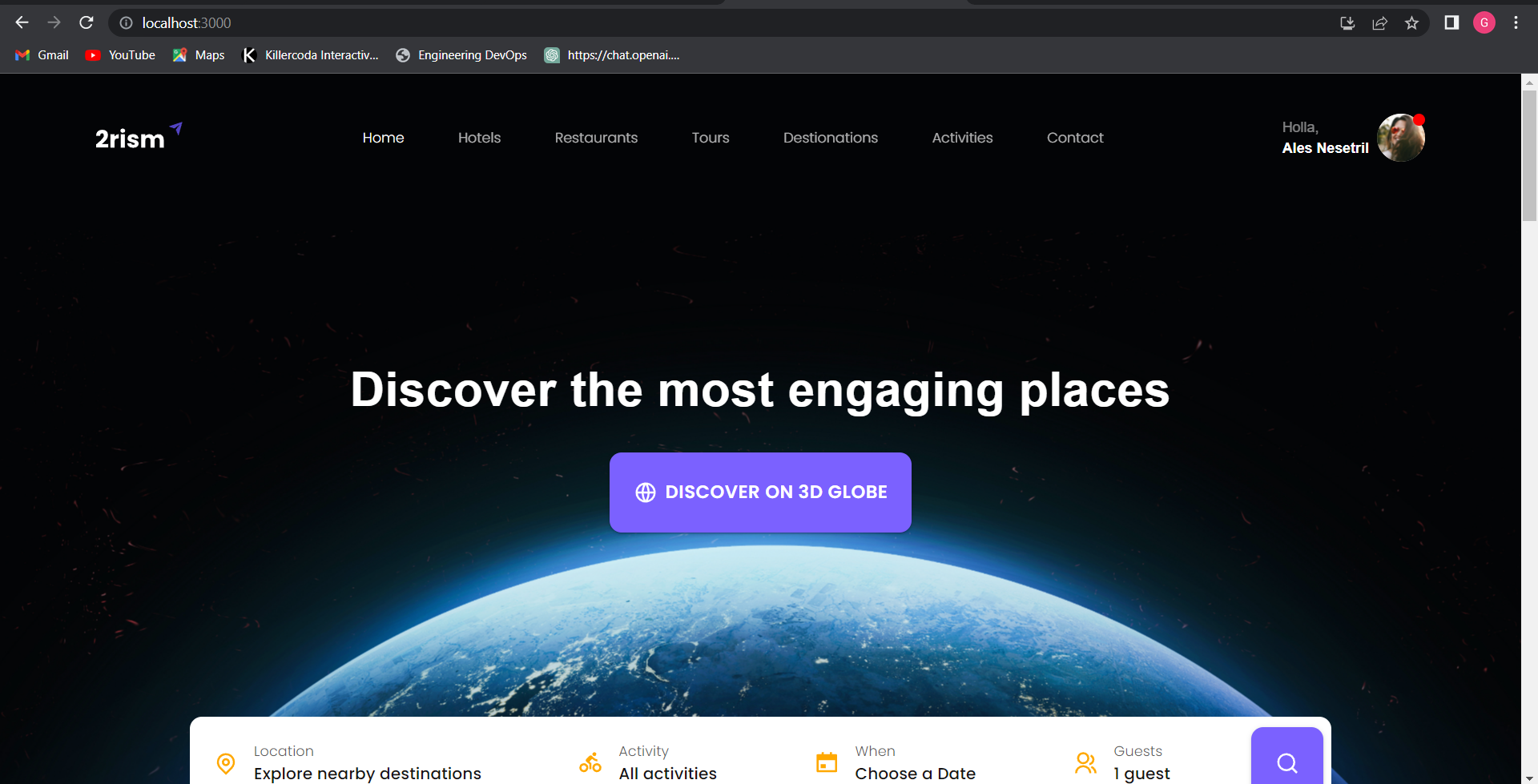
NOW TEST THE OUTPUT
TADDDAAAAAAA!!!!!!


Thanks
Email:gaurieyadav15402@gmail.com


